



-
 Digital Delivery by Email



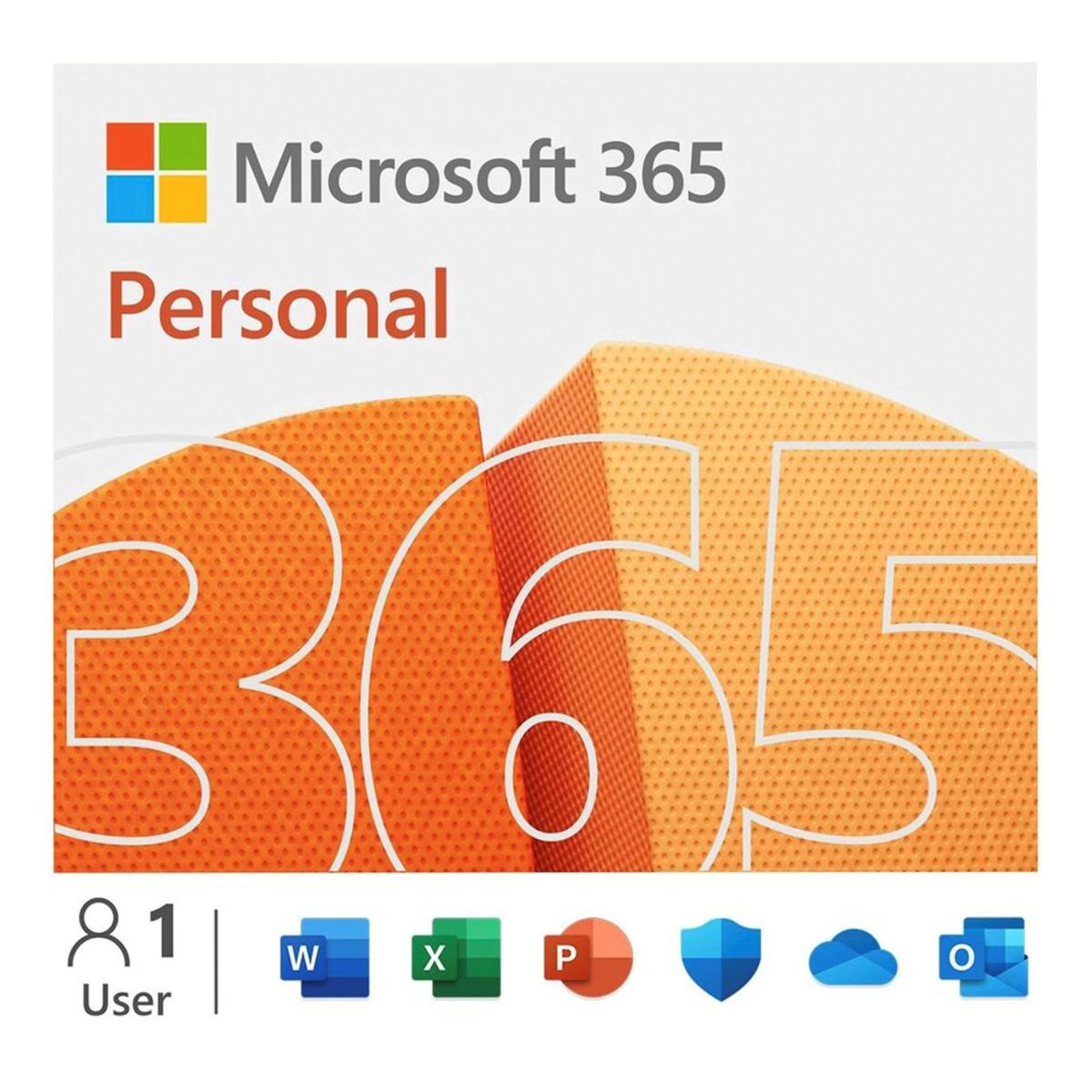
Microsoft 365 Personal – 1 Year Subscription – 1 User is a 12-month subscription for one person, providing Microsoft 365 productivity applications together with cloud storage and use across compatible PCs, Macs, phones and tablets.
Microsoft currently lists Microsoft 365 Personal with Word, Excel, PowerPoint, Outlook and OneNote desktop apps, 1 TB of OneDrive cloud storage, and the ability for one person to sign in on up to five devices at the same time. App and feature availability can vary by device, language and region.
Licence Information
- Licence type: Retail subscription
- Term: 12 months
- User entitlement: 1 user
- Delivery: Digital
Activation, renewal and usage rights are subject to Microsoft’s applicable terms and the conditions of the specific offer.
Billing: Prepaid 12-month subscription, paid once. Golavon does not charge renewals; any renewal is managed in your own Microsoft account.
Microsoft 365 Personal – 1 Year Subscription – 1 User
- 12-month Microsoft 365 Personal subscription
- For 1 user
- Use on compatible PCs, Macs, phones and tablets
- Sign in on up to 5 devices at the same time
- 1 TB (1000 GB) of OneDrive cloud storage
- Word, Excel, PowerPoint, Outlook and OneNote
- Digital delivery
- Activation guidance
Microsoft 365 Applications
Word provides tools for creating and editing documents, reports, letters, resumes and other written content.
Excel supports spreadsheets, formulas, charts, budgets and data analysis for personal, study and professional tasks.
PowerPoint is designed for presentations used in meetings, education, training and personal projects.
Outlook provides email, calendar, contact and scheduling tools, while OneNote provides a digital notebook for organising notes and information.
1 TB of OneDrive Cloud Storage
Microsoft 365 Personal currently includes 1 TB (1000 GB) of OneDrive cloud storage for the subscription user. OneDrive can be used to store, access and synchronise files across compatible devices.
Internet access is required for cloud-based services and for initial setup and activation. Microsoft also requires periodic internet connectivity to keep the Microsoft 365 desktop apps activated and up to date.
Use Across Compatible Devices
Microsoft currently states that Microsoft 365 Personal is for one person and can be used across PCs, Macs, iPhone, iPad and Android phones and tablets, with sign-in on up to five devices at the same time.
Application availability and individual features can vary by operating system, device type, language and region. Before purchase, confirm that your devices meet Microsoft’s current requirements.
For current plan details, see the official Microsoft 365 Personal product information.
Subscription Product
Microsoft 365 Personal – 1 Year Subscription – 1 User is a subscription product rather than a perpetual Office licence. Access to subscription services and benefits applies during the active subscription period.
This is different from one-time-purchase Office editions, which provide a fixed version of the desktop applications without the ongoing subscription benefits of Microsoft 365.
Who This Subscription Is For
Microsoft 365 Personal can be suitable for an individual user who works across multiple compatible devices and wants access to current Microsoft 365 applications together with OneDrive cloud storage.
It can be used for personal productivity, study, remote work, document creation, spreadsheets, presentations, email and file storage, subject to Microsoft’s current service terms and supported platforms.
Digital Delivery and Activation
This is a digital subscription product. After payment confirmation, the subscription information and activation or redemption guidance are delivered electronically. No physical disc or boxed product is shipped.
Follow the supplied instructions to redeem or activate the subscription using the appropriate Microsoft account. A Microsoft account and internet connection are required for setup and for subscription services.
Before You Buy
Please confirm that you are purchasing Microsoft 365 Personal for one user and that a 12-month subscription matches your needs. Review device compatibility, regional availability and any existing Microsoft 365 subscription on the Microsoft account before redemption.
Subscription continuation, renewal options and future pricing are governed by Microsoft’s applicable terms and the method used to redeem or manage the subscription. Golavon does not represent this product as a perpetual licence.
How to Redeem Microsoft 365 Personal: Step by Step
- Open the order email from Golavon and copy your Microsoft 365 Personal product key. It arrives within 30 minutes of payment.
- Go to microsoft365.com/setup and sign in with your Microsoft account, or create one for free.
- Enter the 25-character key and follow the steps to add the 12-month subscription to your account.
- Open account.microsoft.com/services to confirm Microsoft 365 Personal and its end date.
- Install the apps from your Microsoft account on each device, then sign in with the same account to activate them.
If Redemption Does Not Work
- “Key already redeemed”: check Services & subscriptions in the Microsoft account you used. The subscription may already be active there.
- Region message: make sure the country selected during redemption matches your Microsoft account region.
- Still not working: email contact@golavon.com with your order number and a screenshot.
Microsoft 365 Personal vs Microsoft 365 Family
Microsoft 365 Personal is for one person, who can sign in on up to five devices at the same time and gets 1 TB of OneDrive storage. Microsoft 365 Family covers up to six people, each with their own 1 TB. Choose Personal if you are the only user.
Microsoft 365 Personal: Frequently Asked Questions
Will Golavon charge me again after 12 months?
No. This is a prepaid 12-month subscription paid once. Golavon does not charge renewals. Any renewal after the 12 months is managed in your own Microsoft account.
I already have Microsoft 365 Personal. Can I use this key?
Yes. Redeem it on the same Microsoft account and Microsoft adds the 12 months to your existing subscription.
Which devices can I use?
Windows PCs, Macs, tablets and phones. You can be signed in on up to five devices at the same time.
What happens to my files when the subscription ends?
The desktop apps switch to read-only mode and OneDrive storage drops to the free amount. Your files stay in your account, and renewing restores full access.
Official information: Microsoft 365 Personal on microsoft.com. See also Office Home and Business 2024 for PC and our Office comparison guide.
Reviews
Clear filtersThere are no reviews yet.