


Microsoft 365 vs Office Home & Business vs Office Pro Plus: What’s Actually the Difference?

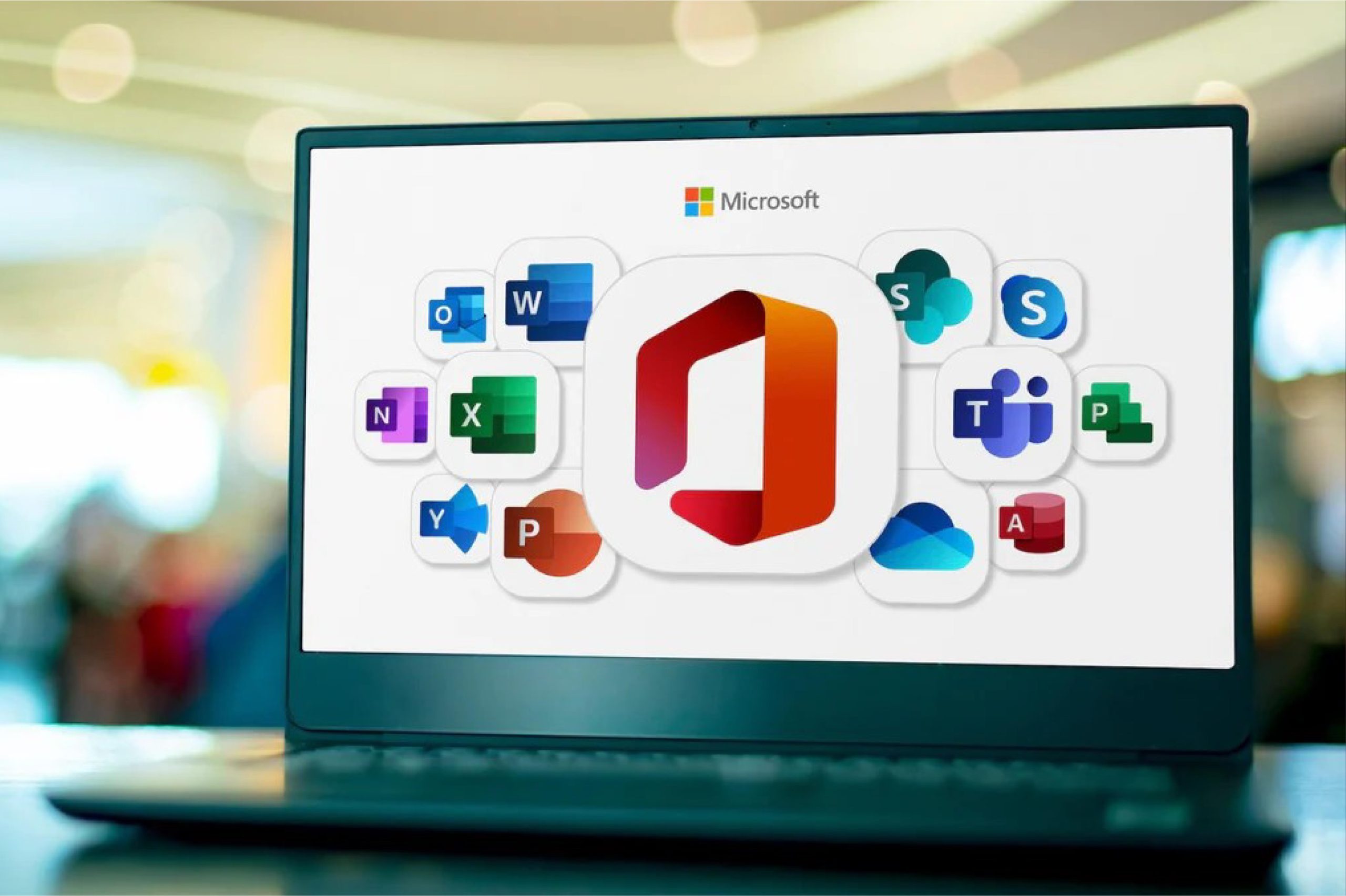
Microsoft 365 vs Office Home & Business vs Office Pro Plus: What’s Actually the Difference?
Microsoft’s naming for its Office products has changed several times over the years, and the result is a lineup that confuses even experienced buyers. Microsoft 365, Office Home & Business, Office Pro Plus, Office Standard — they all include Word, Excel, and Outlook, so what actually sets them apart? Here’s a plain-language breakdown so you can pick the right one the first time.
The core difference: subscription vs one-time purchase
This is the single most important distinction, and it drives everything else.
Microsoft 365 (formerly Office 365) is a subscription. You pay monthly or yearly, and as long as you’re subscribed, you get the full Office apps, regular feature updates, 1TB of OneDrive cloud storage, and continued security patches. Stop paying, and the apps drop into a reduced-functionality mode.
Office Home & Business and Office Pro Plus are one-time purchases. You pay once, activate the license on your device, and it’s yours to use indefinitely on that machine — no recurring fees, no subscription to manage. The trade-off is that these versions don’t receive new feature updates the way Microsoft 365 does, though they do get security updates for the supported lifecycle of that Office version.
Office Home & Business: built for individuals and small businesses
Office Home & Business is a one-time-purchase license that includes Word, Excel, PowerPoint, and Outlook. It’s designed for people who need core Office apps for both personal and business use on a single PC or Mac, without needing the full enterprise app suite (no Access or Publisher) and without needing cloud collaboration features tied to a Microsoft 365 subscription.
This is a strong choice if you want the classic Office experience, use it mostly offline or don’t need 1TB of OneDrive storage, and prefer paying once instead of a recurring subscription.
Office Pro Plus: the full desktop suite
Office Pro Plus (also seen as Office Professional Plus) includes everything in Home & Business plus additional apps like Access (database management) and Publisher (desktop publishing), along with some features aimed at business and volume-licensing environments. Historically, Pro Plus was distributed through Microsoft’s volume licensing programs for organizations, which is why it includes tools less common in the consumer Home & Business edition.
Pro Plus is the right pick if you specifically need Access or Publisher, or you’re replacing an existing Pro Plus deployment and want to keep the same app set.
Microsoft 365: the subscription, cloud-connected option
Microsoft 365 (Personal, Family, or Business plans) is built around staying current and connected. Along with Word, Excel, PowerPoint, and Outlook, you get continuous feature updates, generous OneDrive cloud storage, real-time co-authoring, and on Business plans, tools like Teams and Exchange-hosted email.
This is the better fit if you want the newest features as soon as Microsoft ships them, you need substantial cloud storage included, you regularly collaborate on documents in real time with others, or you want the flexibility to install Office across multiple devices tied to one account.
Quick comparison
Payment model: Microsoft 365 is a recurring subscription. Home & Business and Pro Plus are one-time purchases.
Apps included: Home & Business covers Word, Excel, PowerPoint, Outlook. Pro Plus adds Access and Publisher. Microsoft 365 covers the core apps plus Teams and Exchange on Business plans.
Updates: Microsoft 365 gets ongoing new features. Home & Business and Pro Plus get security updates only, for the edition’s supported lifecycle.
Cloud storage: Microsoft 365 includes 1TB of OneDrive storage. Home & Business and Pro Plus don’t include OneDrive storage as part of the license.
Best for: Home & Business suits individuals and small businesses that want core apps without a subscription. Pro Plus suits anyone who specifically needs Access or Publisher. Microsoft 365 suits people who want the latest features, cloud storage, and multi-device flexibility.
So which one should you buy?
If you want to pay once and be done with it, and you don’t need Access or Publisher, go with Office Home & Business.
If you need Access or Publisher on top of the core apps, go with Office Pro Plus.
If you’d rather have an evolving product with cloud storage and multi-device installs, and don’t mind a recurring fee, Microsoft 365 is the better long-term fit.
Still not sure which license matches how you actually work? Take a look at our full range of Office licenses, or reach out and tell us what you use Office for — we’ll point you to the right one instead of the most expensive one.