


How Many CALs Do I Need for Windows Server 2025? (UK Guide)

If you are buying Windows Server 2025 Standard for a small business, the server licence is only half the cost. Every person or device that connects to the server also needs a Client Access Licence (CAL). This guide explains how many Windows Server 2025 CALs you need, when to choose User or Device CALs, and the exceptions that can save you money.
What Is a Windows Server 2025 CAL?
A CAL is a licence right, not software. It gives one user or one device permission to use the services of a Windows Server 2025 machine, such as file shares, printing, Active Directory sign-in or a line-of-business app.
You do not enter a CAL into Windows Server and it is never activated. You keep the licence record from your purchase in case of an audit.
Windows Server 2025 is licensed in two layers:
- Core licences for the server hardware: every physical core, with a minimum of 8 per processor and 16 per server.
- CALs for the people or devices that access it.
User CALs or Device CALs?
There are two types of Windows Server 2025 CALs, and you can mix them in the same organisation.
- User CAL: covers one named person on any number of devices. Best when each employee uses a laptop, phone and home PC.
- Device CAL: covers one device, whoever uses it. Best for shared devices, such as reception PCs, tills or warehouse scanners used in shifts.
A simple rule for Windows Server 2025 CALs: count your users and count your devices, then buy whichever number is smaller.
How Many Windows Server 2025 CALs Do I Need? Three Examples
| Business | Who accesses the server | CALs needed |
|---|---|---|
| Accountancy office | 8 staff, each with a laptop and a phone | 8 User CALs |
| Warehouse | 15 shift workers sharing 3 PCs | 3 Device CALs |
| Small agency | 4 staff plus 2 freelancers who sign in to the file server | 6 User CALs |
These examples show why the CAL type matters. In the first example, 8 User CALs cost less than 16 Device CALs. In the second, 3 Device CALs cost far less than 15 User CALs. Freelancers who sign in count as users, even if they only visit once a month.
When You Do Not Need a CAL
Microsoft’s licensing terms include a few exceptions that matter for small businesses:
- Server administration: up to two users or devices can access the server only to administer it without CALs.
- Anonymous internet access: visitors to a public website hosted on the server who do not sign in do not need CALs.
- Another licensed server: a separately licensed server that accesses this one does not need a CAL.
Anyone who authenticates, for example by signing in to a shared folder, an intranet or a business app, does need a CAL.
Do Windows Server 2022 CALs Work With Windows Server 2025?
No. CALs must be the same version as the server or newer. A Windows Server 2025 CAL lets a user access a 2025 server and older Windows Server versions, but a 2022 CAL does not cover a 2025 server. If you upgrade the server, budget for new Windows Server 2025 CALs as well.
Remote Desktop Users Need RDS CALs Too
If staff connect to full desktops or apps on the server through Remote Desktop Services, each one needs a Remote Desktop Services (RDS) CAL in addition to their Windows Server 2025 CALs. The two standard admin connections do not need RDS CALs.
How Many Cores Do I Need to License?
Windows Server 2025 CALs and core licences are separate. For Windows Server 2025 Standard you license every physical core, with a minimum of 16 per server. A single 12-core processor still needs 16 core licences. Standard edition then allows two virtual machines on that server.
Windows Server 2025 Packages at Golavon
Golavon sells Windows Server 2025 Standard for 16 cores with Windows Server 2025 CALs included, so the two layers come together:
- Windows Server 2025 Standard 16 Core + 5 User CALs for up to five named users.
- Windows Server 2025 Standard 16 Core + 10 User CALs for up to ten.
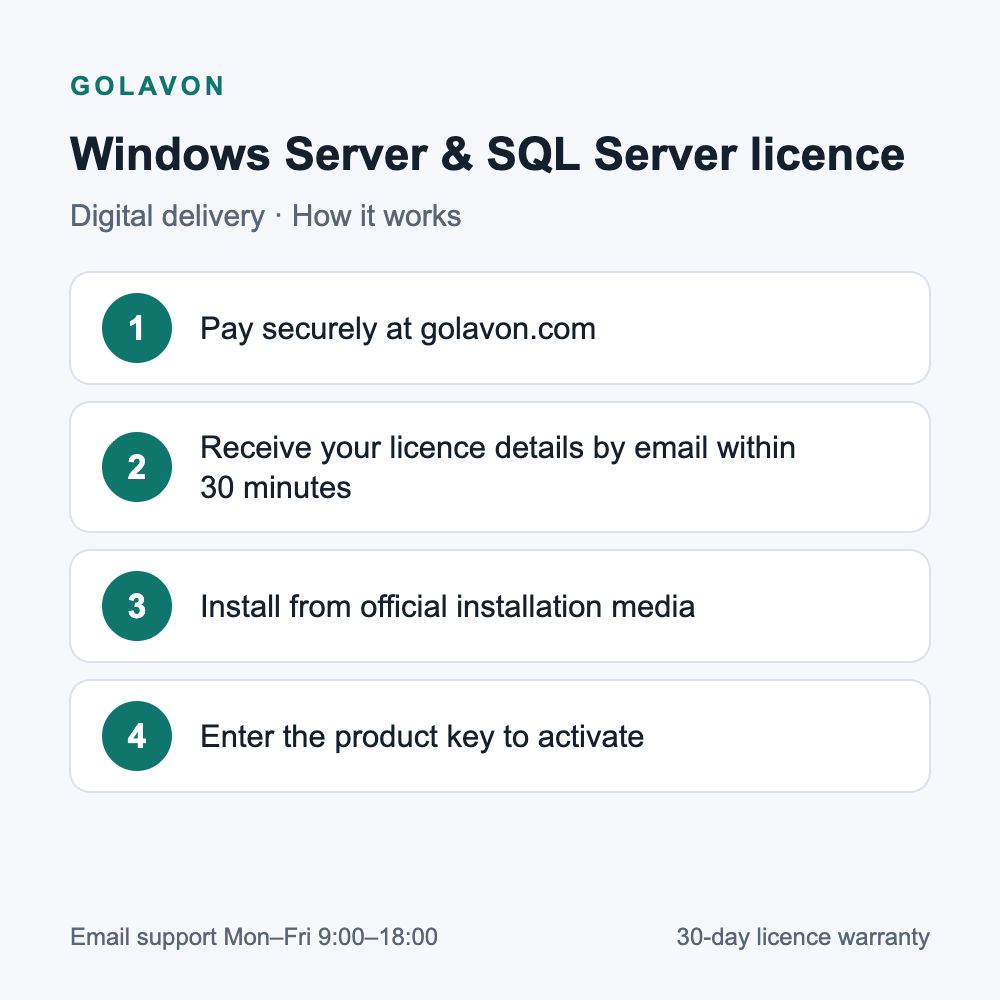
Your product key and licence details arrive by email within 30 minutes of payment. If your count does not fit these packages, email contact@golavon.com before ordering and we will tell you what we can supply. See all Windows Server 2025 licences.
Windows Server 2025 CALs: Frequently Asked Questions
Can I mix User and Device CALs?
Yes. Many businesses buy User CALs for office staff and Device CALs for shared machines.
Do I need CALs for Microsoft 365 users?
Only if they access your on-premises Windows Server. Cloud-only Microsoft 365 services do not need Windows Server CALs.
Can I move a User CAL to a new employee?
Yes, you can reassign a CAL permanently when someone leaves. You cannot swap it back and forth to share it between people.
How long is Windows Server 2025 supported?
Microsoft lists mainstream support until November 2029 and extended support until November 2034.
Official information: Microsoft Product Terms for Windows Server Standard and the Windows Server 2025 lifecycle page. For general help choosing a licence, read our buying guide.
